
 Prime
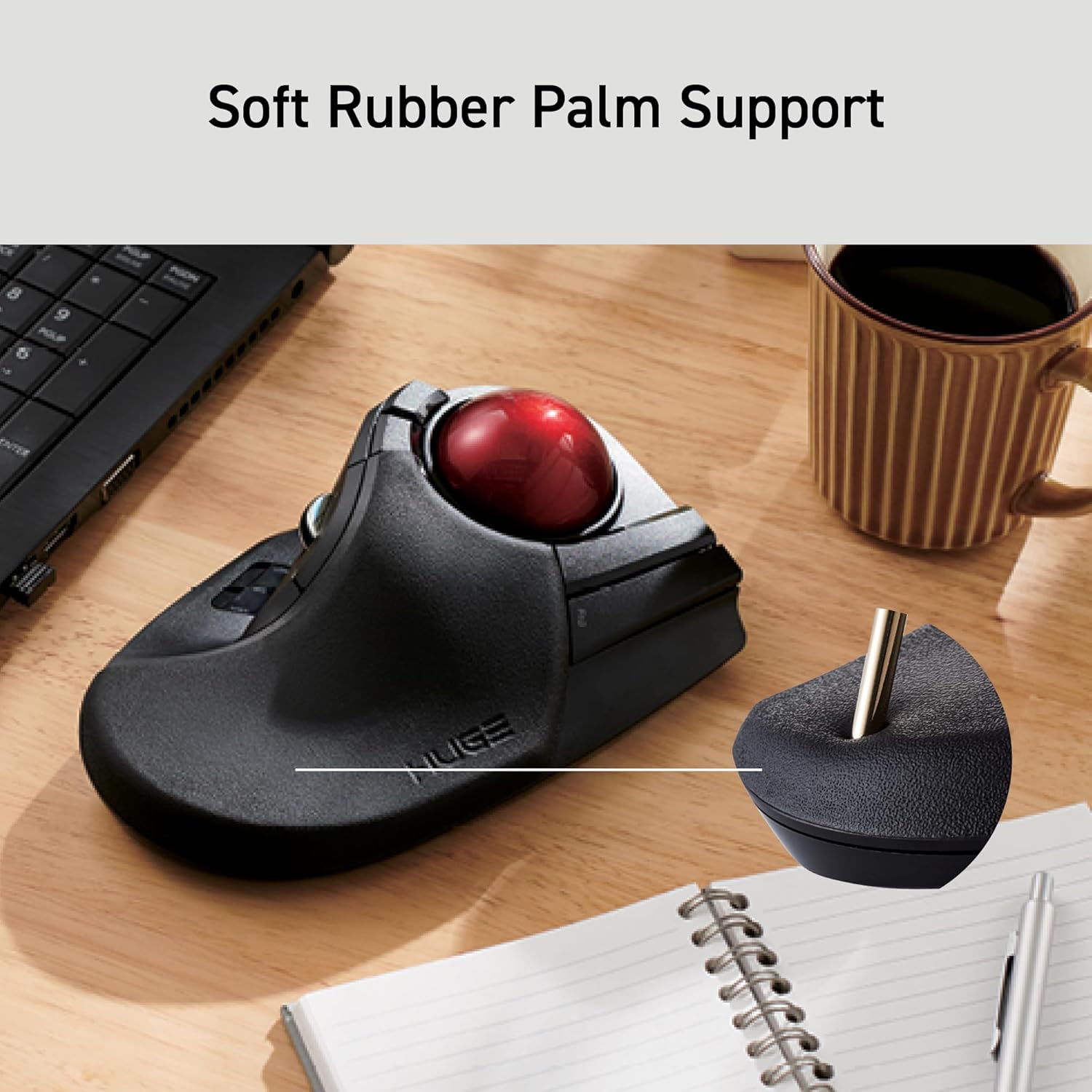
PrimeELECOM HUGE Trackball, 2.4GHz Wireless USB, Index Finger Control, Customizable 8-Button, Large Soft Palm Rest, 52mm Ball, Windows PC Mac (M-HT1DRBK)
ELECOM →Price
$54.99
Rating
Description
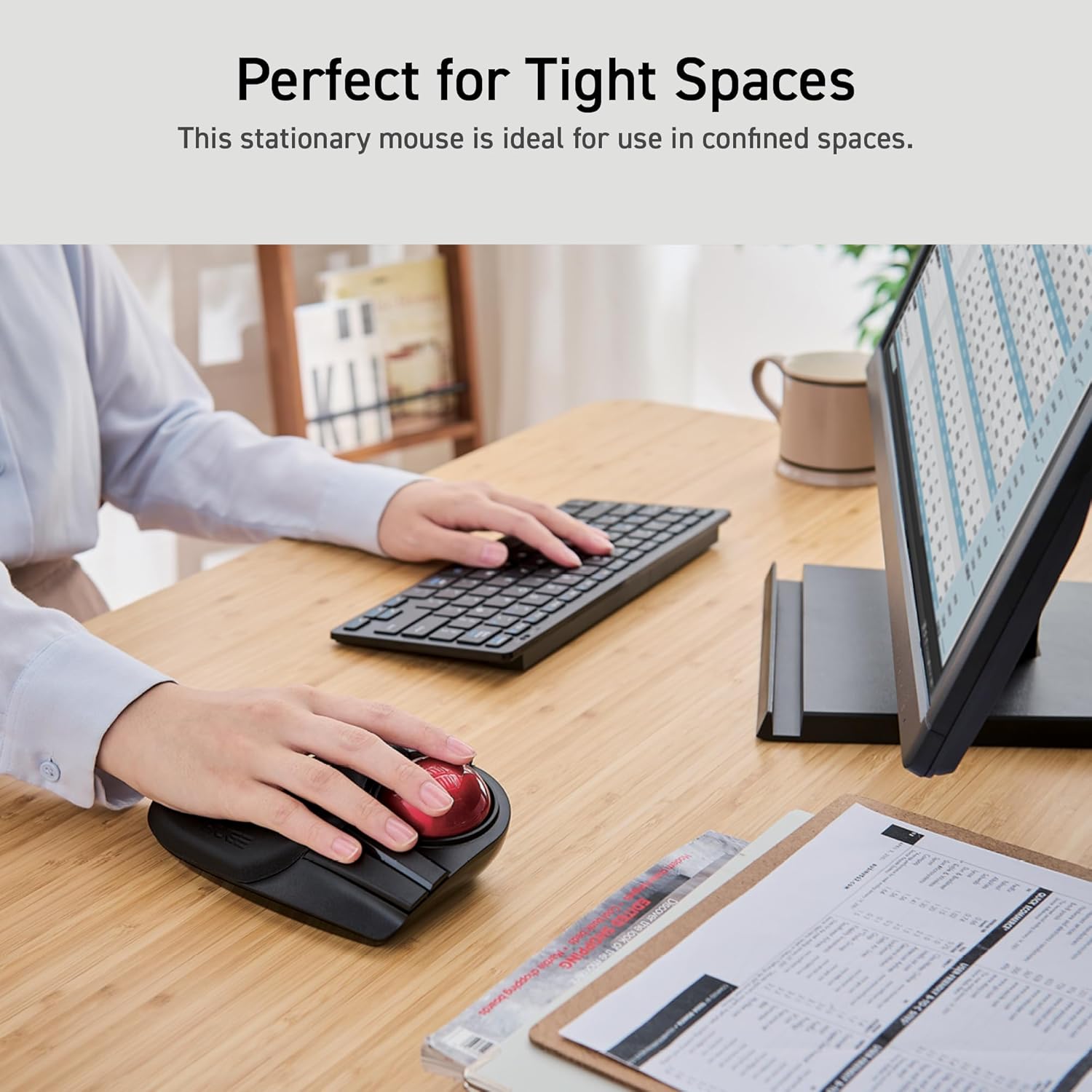
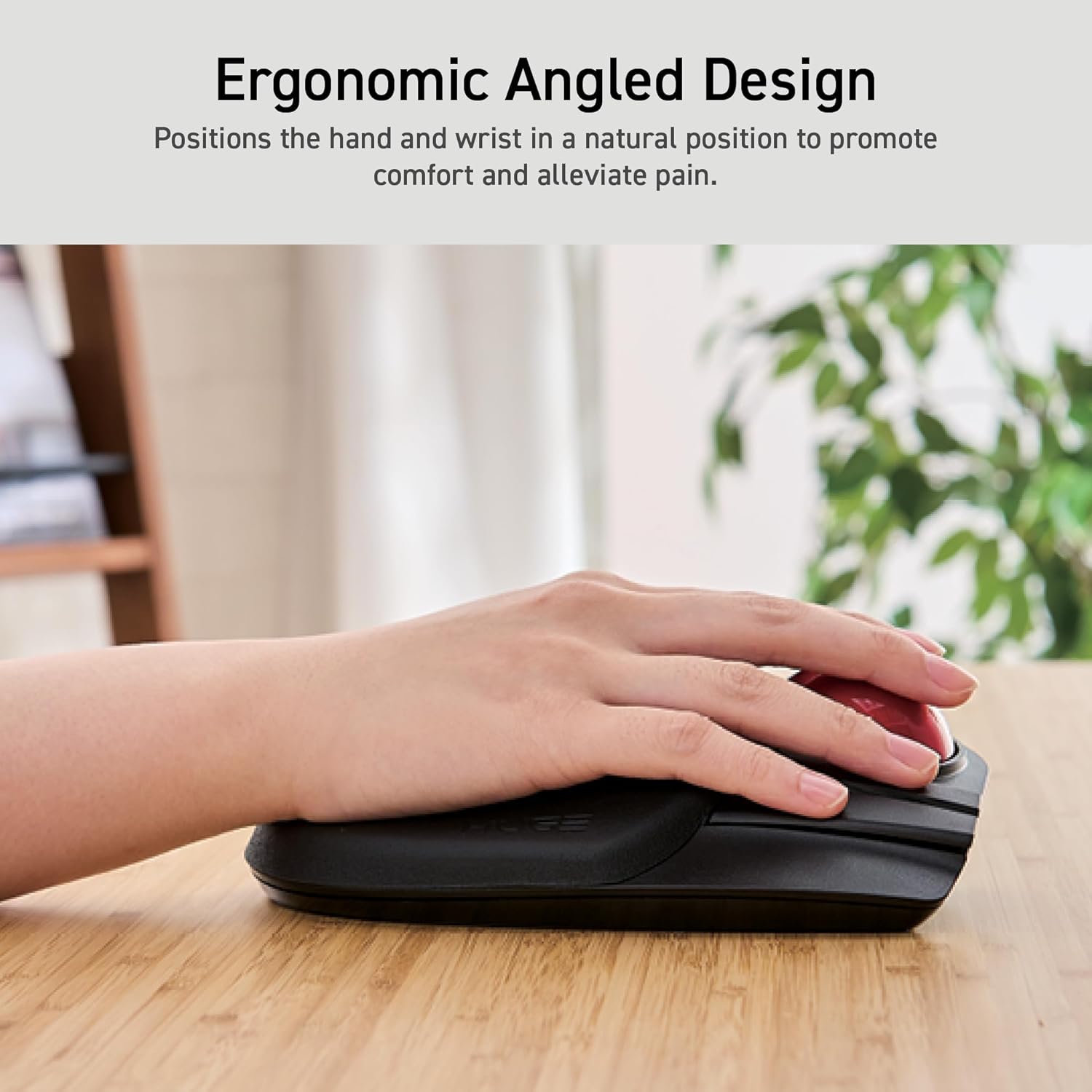
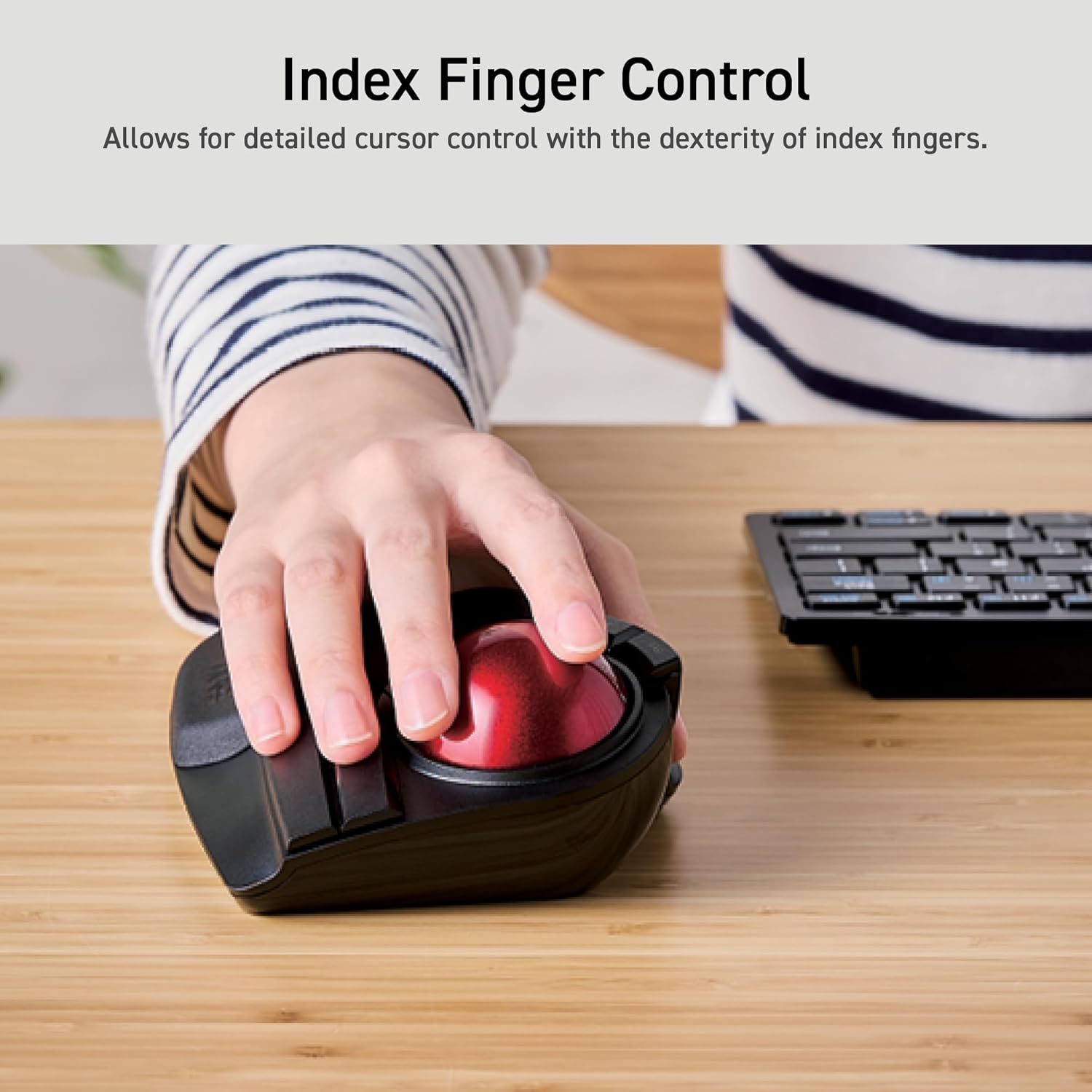
The shape and the placement of each button are similar to those of a mouse, making it easy for people who have used a mouse before to get used to the shape. To equip with a larger ball than the thumb type. This has the advantage of making it easier to control the fine movements of the cursor. The feel of the operation is unique and requires some getting used to. High design quality has been recognized by numerous design awards, including the Good Design Award, as well as by many users. is a Japanese consumer goods company with a simple mission: create quality products that deliver the most comfort and convenience for its customers. With a track record boasting some of the most innovative yet accessible products ever created, ELECOM has consistently raised the standards of excellence for technology products while taking care of its customers and employees. EX-G PRO IST RollMaster Bearing HUGE DEFT PRO EX-G Relacon Q: How can I install Mouse Assistant software? A: Head to the ELECOM USA site to download the software. Q: How can I get the English Product Manual? A: The PDF manual is can be found attached to this product listing page or on the ELECOM USA site. Q: How do I clean a trackball mouse? A: Turn off your computer and disconnect your mouse. Remove the ball using the ball removal hole in the back of the mouse. Use a soft, lint-free cloth and rubbing alcohol to clean the ball housing. Q: What are the benefits of using a trackball mouse? A: The main benefits decreased wrist and arm movement, which can reduce strain and the risk of repetitive stress injuries, and the ability to use the mouse in narrow spaces because it doesn't need to be physically moved around.
Key Features
- •✅《Optical Tracking Technology》The ELECOM trackball provides precise cursor movement for superior accuracy so you can get where you want on the screen quickly with less hand movement, improving productivity and efficiency.
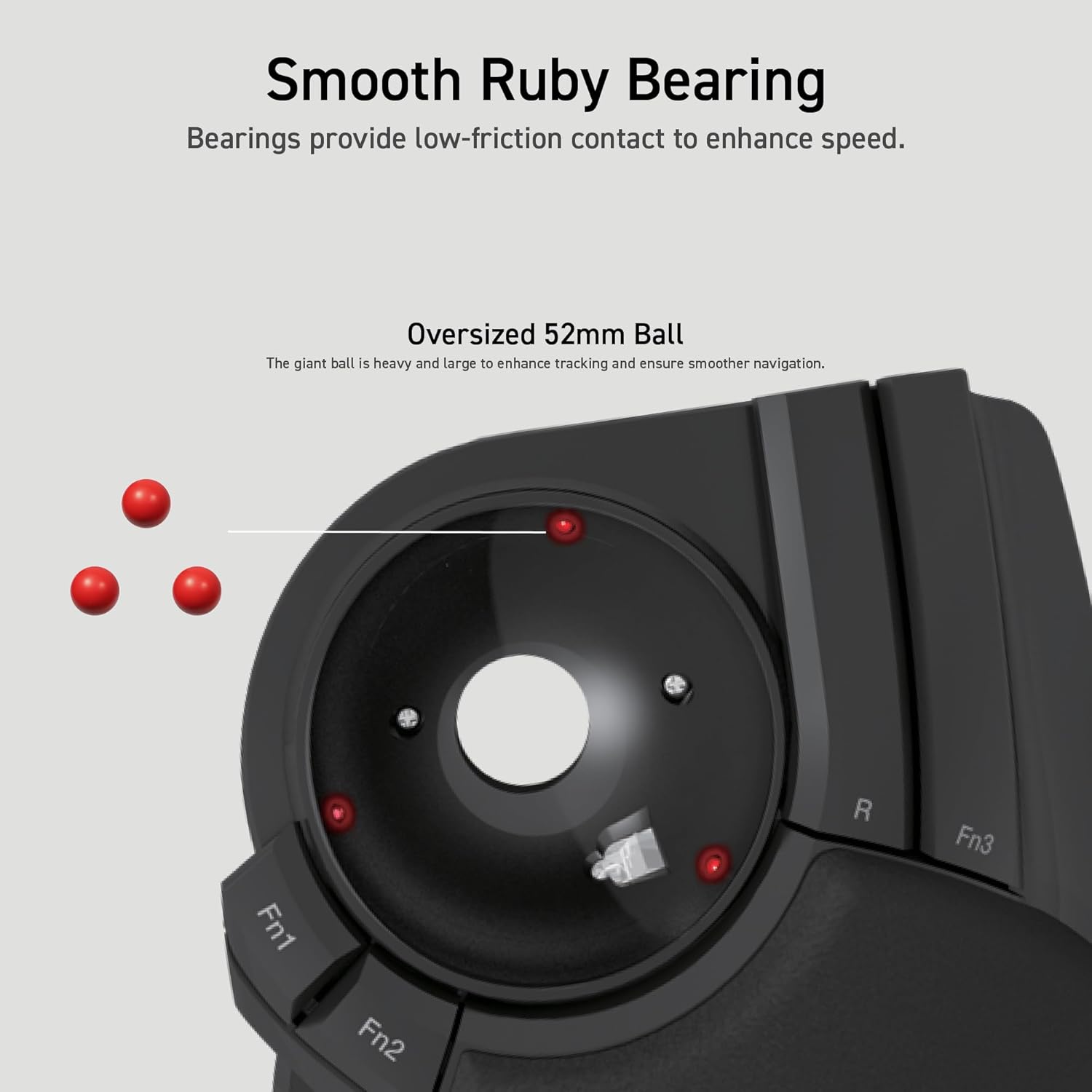
- •✅《Functional 8 Buttons》It is very easy to move in any direction. It comes with 8 physical buttons on the device and the two extra buttons are the scrollwheel tilting that allow horizontal scroll.
- •✅《DPI Cursor》Designed with a high-performance gaming optics system sensor and lens. The DPI button can easily change between 500(LOW), 1000(MID) and 1500(HIGH) DPI, making the movements of your cursor faster or slower.
- •✅《Easy Maintenance 》The ball rolls on three 2.5 mm large artificial ruby ball bearings. They are extremely smooth and the relatively large size prevents dust and dirt from clogging them. So you don’t have to clean the ball bearings too often. The ball is held in place by the ball bearings, but can easily be popped out of the device, by pushing it through the hole in the bottom and it can be easily cleaned.
- •✅《Product Details》System requirements: Windows 7, Windows 8, Windows 10 or later, macOS 10.13 or later, Size: W4.5"(114.7mm) X L7.2"(181.9mm) X H2.3"(57.2mm), Weight: 9.2oz(without battery), DPI: 500/1000/1500 count (switchable), Connectivity: wireless, 1 X AA battery(Included)- Battery Remaining Light Lamp equipped.
Product Details
Product ID
B0735584RM
ASIN
B0735584RM
Category
Electronics > Computers & Accessories > Computer Accessories & Peripherals > Input Devices > Trackballs
Reviews
3,216
Prime Eligible
Yes
Last Scraped
2/18/2026
Technical Details
PDP Compliance Check
All Assets (10)