

 Prime
PrimePlustek OpticSlim 2700 - High Speed Flatbed Scanner, 3sec Fast scan Speeds. Compact Design for Home and Home Office. Windows and Mac Support
Green Coffee Traders →Price
$0.00
Rating
Description
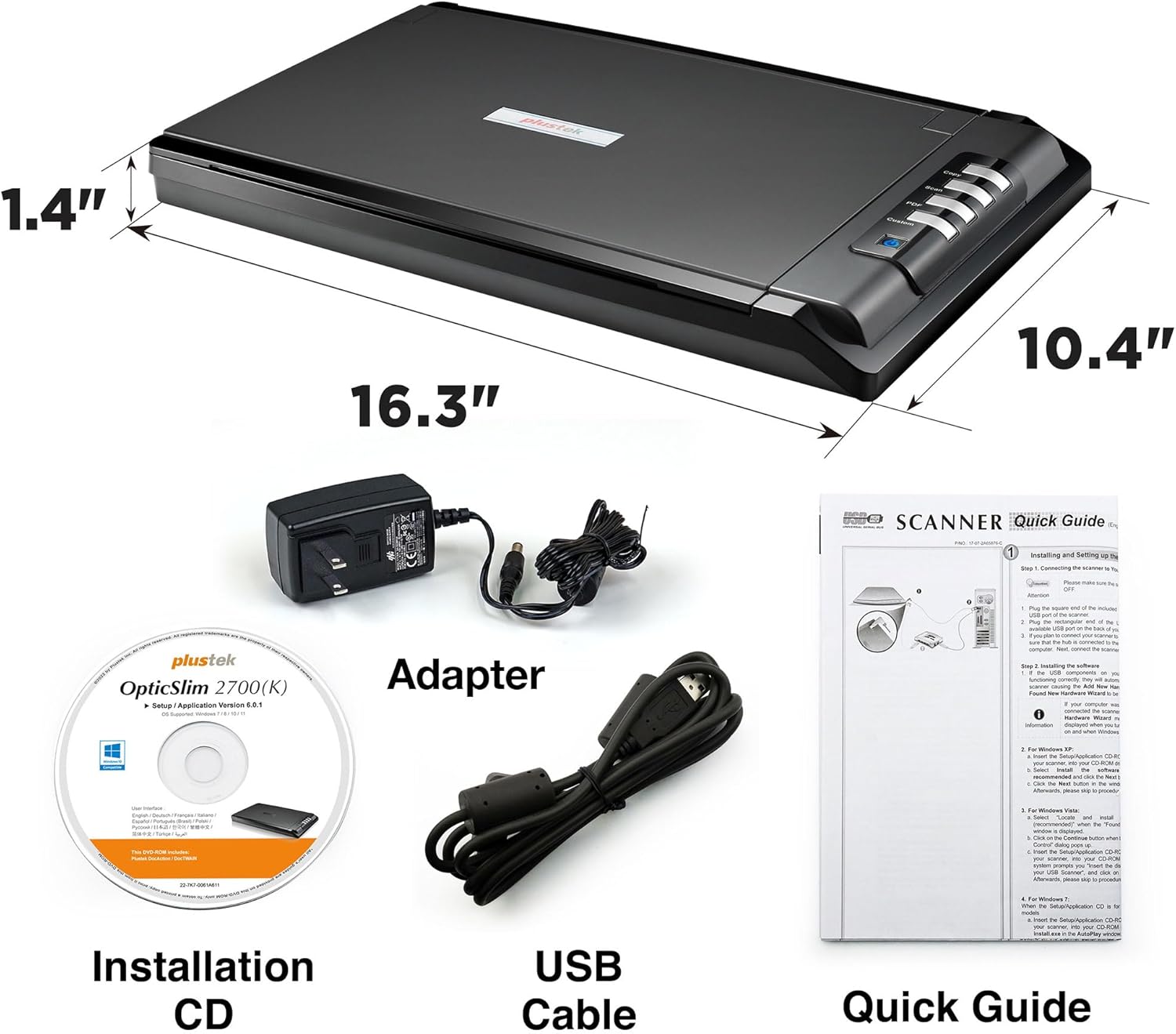
With 3 seconds high speed scanning, easily digitize documents, receipts, sketchs and phtographs. The OpticSlim 2700 won't take up a lot of your desktop space and weighs less than 4 pounds. The OpticSlim 2700 removable lid accommodates bulky books or documents. Just press a button and your document is scanned and saved to the destination of your choice. OCR technology extracts data from images and converts to Word, Excel and searchable PDF easily. With the preview function, you can make adjustments without rescan the document multiple times. Select a button to set a format & destination. Preconfigure workflows to streamline scanning steps. Image Express enables to make quick changes and instant adjustments before exporting your images. With image processing techniques, you can easily adjust images and enhance the quality Easily upload images to Dropbox or Google drive. Access your files from anywhere at anytime. How can I install OpticSlim 2700 driver without a CD-ROM? Please download the latest driver pack for Windows/MacOS from Plustek official website and run the installer. You can also find the download link from user manual. Is OpticSlim 2700 need extra power adapter? Yes, OpticSlim 2700 package include a USB cable for connect to PC/Mac and a power adapter, is 100~240 V input , 24V 0.75A output What resolution should I choose for scanning, 300 dpi, 600 dpi, or 1200 dpi? 300 dpi is fine in general. You get the hidden details at 600 dpi. Use 1200 dpi to create high quality images containing more information. The higher the dpi, the greater the quality, but the larger the file size and the slower the scan spee Can I scan more batch paper and save image in 1 PDF file? Yes, you can select Multi Page PDF in file format , then scan image will save in 1 PDF file.
Key Features
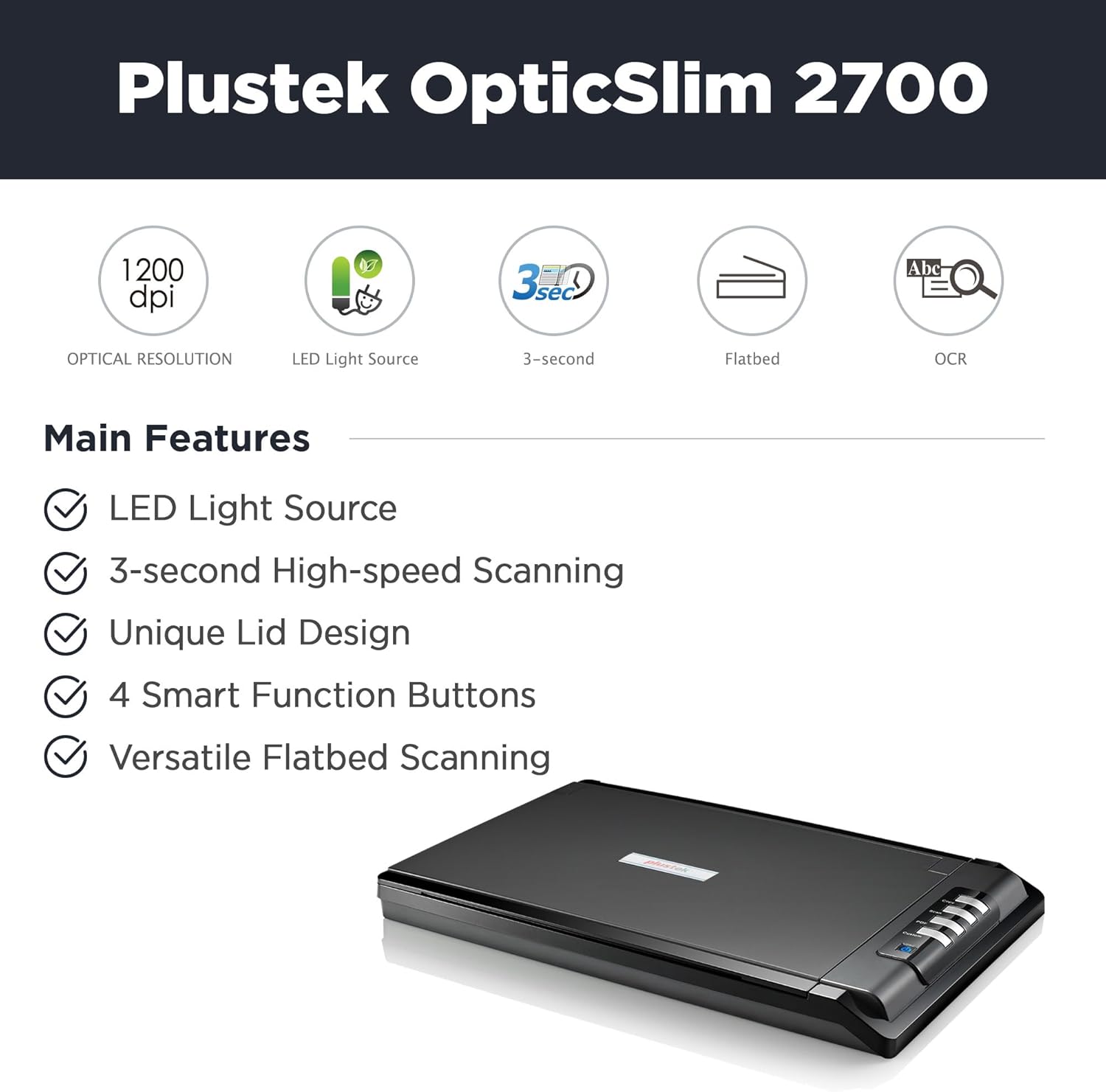
- •【High-Speed】- Scans quickly and easily up to 3 seconds (300dpi / Color mode)
- •【Edit and Search】- Built-in PDF button, easily scans and saves PDF's that are editable and searchable
- •【Image Processing】- Software can Auto Rotate, Deskew, and Crop images. Helps the user save time and get an ideal picture.
- •【One-Key Operation】- 4 one-touch buttons(Copy/Scan/PDF and Custom) helps you work efficiently
- •【Support】- Supports TWAIN protocol for Windows 7/8/10/11 And Mac 10.12.x ~14.x. The driver is available for download from the Plustek website.
Product Details
Product ID
B06XCQVV4S
ASIN
B06XCQVV4S
Category
Office Products > Office Electronics > Scanners & Accessories > Scanners > Flatbed & Photo Scanners
Reviews
84
Prime Eligible
Yes
Last Scraped
2/18/2026
Technical Details
PDP Compliance Check
All Assets (7)